Design your app.
Get the prompt.
Drag parts onto phone screens, link them, preview them — then copy one prompt and let Claude Code build the real app.
Templates
Start from a ready-made app
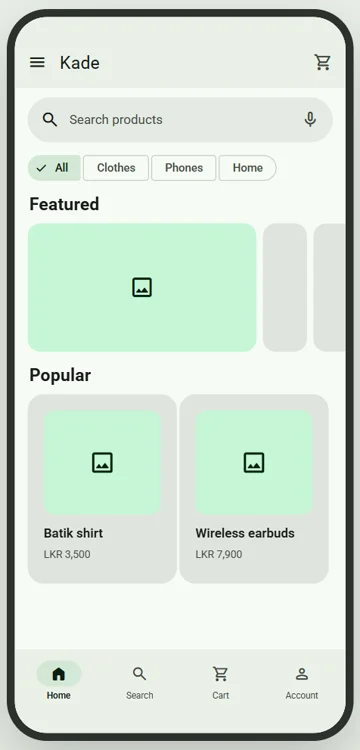
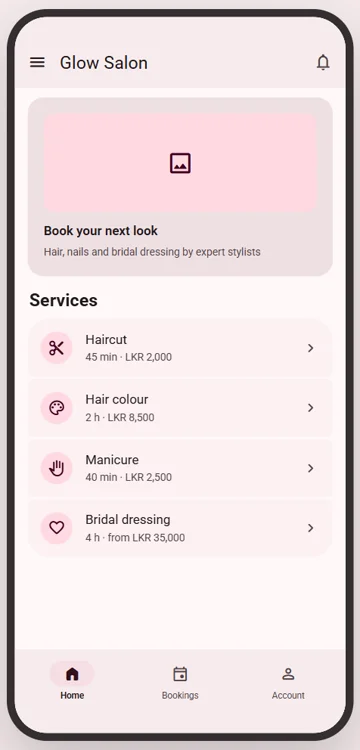
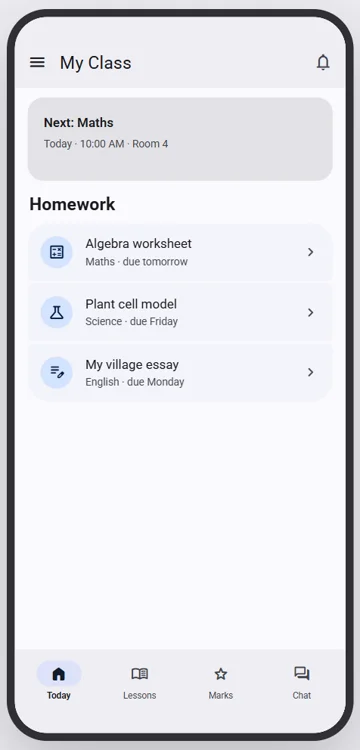
Linked screens, colours and app functions already set up — change the words, add your products, and copy the prompt.
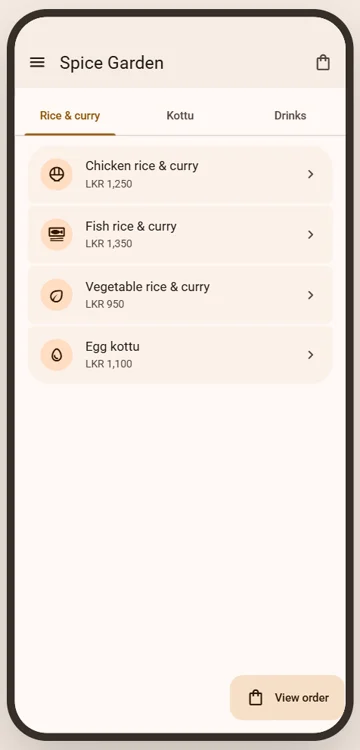
Restaurant ordering
A menu with categories, dishes and a pickup / delivery order.
Live preview
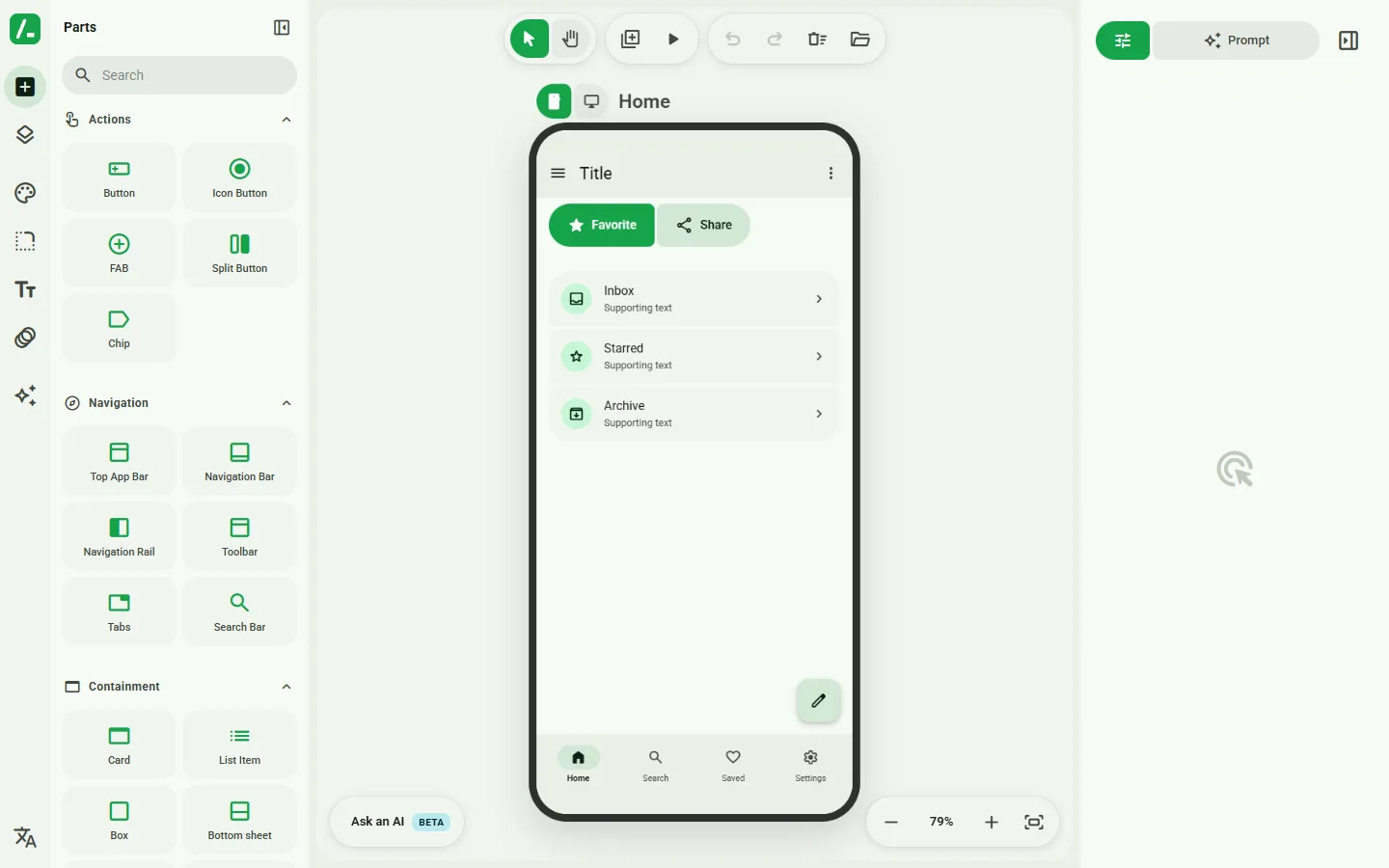
Try the real editor, right here
How it works
From idea to working app in three steps
Drag & drop screens
Buttons, cards, lists, nav bars and 40+ more parts — arrange them on phone frames.
Preview it live
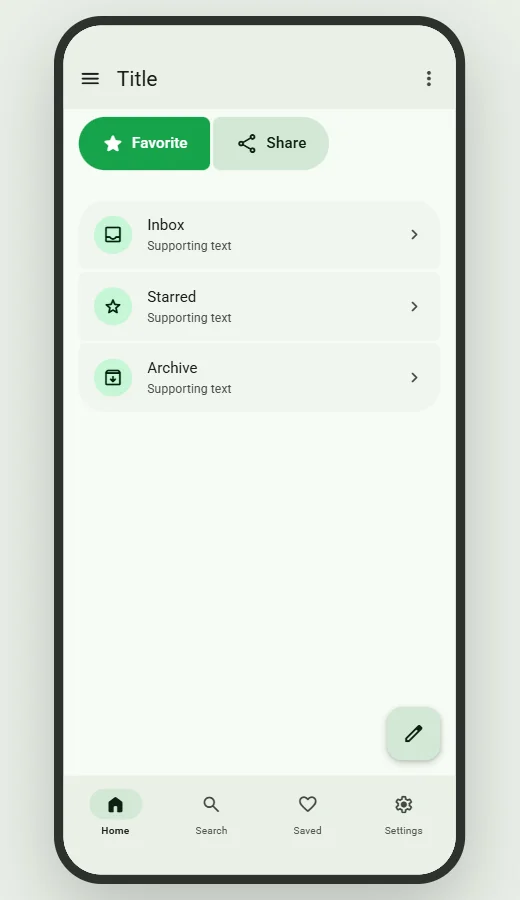
Link your screens and tap through them like a real app, in light or dark.
Copy the prompt
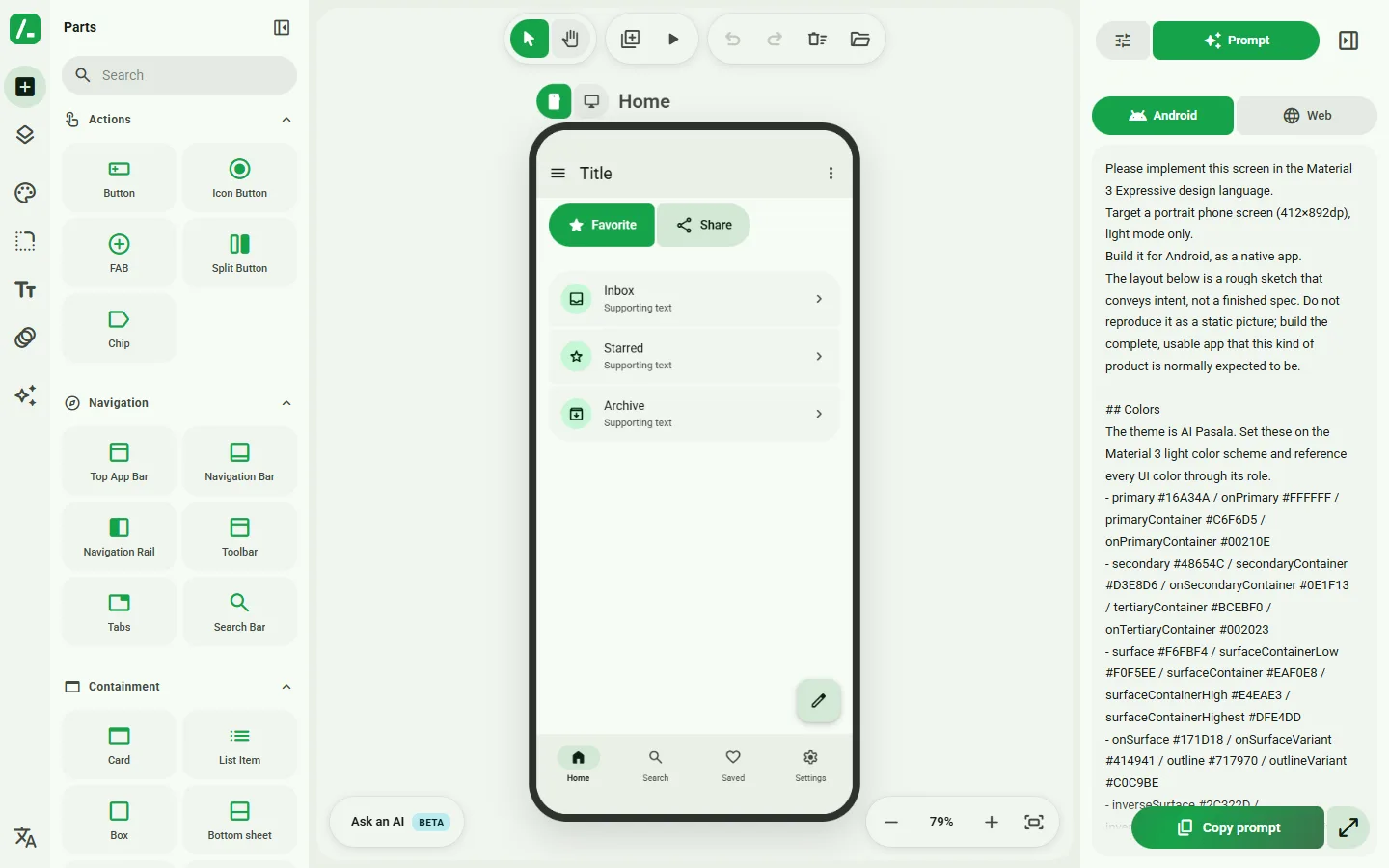
One click gives you a detailed prompt — Claude Code builds the real app from it.
What you get
A clickable prototype — and the prompt to build it
Features
Everything you need to plan an app
Real app functions
Accounts, a database, PayHere payments, bookings, an admin panel and more — tick them and they go into your prompt.
Starter templates
A shop, salon bookings, restaurant ordering or a class app — linked screens ready to change.
40+ ready parts
App bars, tabs, cards, lists, sheets, dialogs, pickers, chips and more — all modern Material design.
Linked screens
Tap a button to go to another screen. Build the whole flow, not just one page.
Your colours & style
Pick a colour scheme, corner shape, fonts and motion. Dark mode included.
Works with any AI coder
The prompt works with Claude Code, Cursor, ChatGPT and more — for Android or the web.
Saved to your account
Every change saves automatically. Come back on any device and carry on.
Share a link
Send your design to a friend or client as a link — they can open and play with it.
Sinhala, Tamil & English
Ask for your app in all three languages — the prompt tells the AI to use fonts that show them correctly.
Questions
Good to know
Is it free?
Yes. You can try it right now without an account. Create a free account to save your designs.
Do I need to know how to code?
No. You design by dragging parts. The prompt you copy tells the AI exactly what to build — you paste it into Claude Code and it writes the code.
Which AI tools does the prompt work with?
Claude Code works best, but the prompt also works with Cursor, Windsurf, ChatGPT and other AI coding tools. You can target Android or the web.
What kind of apps can I design?
Anything with screens: shops, booking apps, to-do lists, school apps, dashboards. Start from a template or a blank screen; you lay out the screens, the AI builds the working parts.
Will the app actually work — log in, save data, take payments?
Yes. Open the ⚡ App functions tab in the editor and tick what your app needs: accounts, a database, PayHere payments, bookings, an admin panel and more. They're written into the prompt, so Claude Code builds a working app, not just pictures of one.
Can I work on my phone?
Yes — the editor has a phone layout. A laptop is more comfortable for bigger designs.
Your app idea, on screen in minutes
Design it, preview it, and hand the prompt to Claude Code.